

Imagine walking into a store with flickering lights, dusty shelves, and a broken cash register. Would you stay? Probably not.
Your website works the same way! If it’s slow, glitchy, or outdated, visitors will leave before they even see what you offer. Regular maintenance keeps your site fast, secure, and frustration-free.
Why is this important? Take it from our President & CEO Larry Stromberg who says, “A well-maintained website signals operational excellence. Just as a clean, organized storefront builds trust, an updated and secure website communicates professionalism, reliability, and attention to detail.”
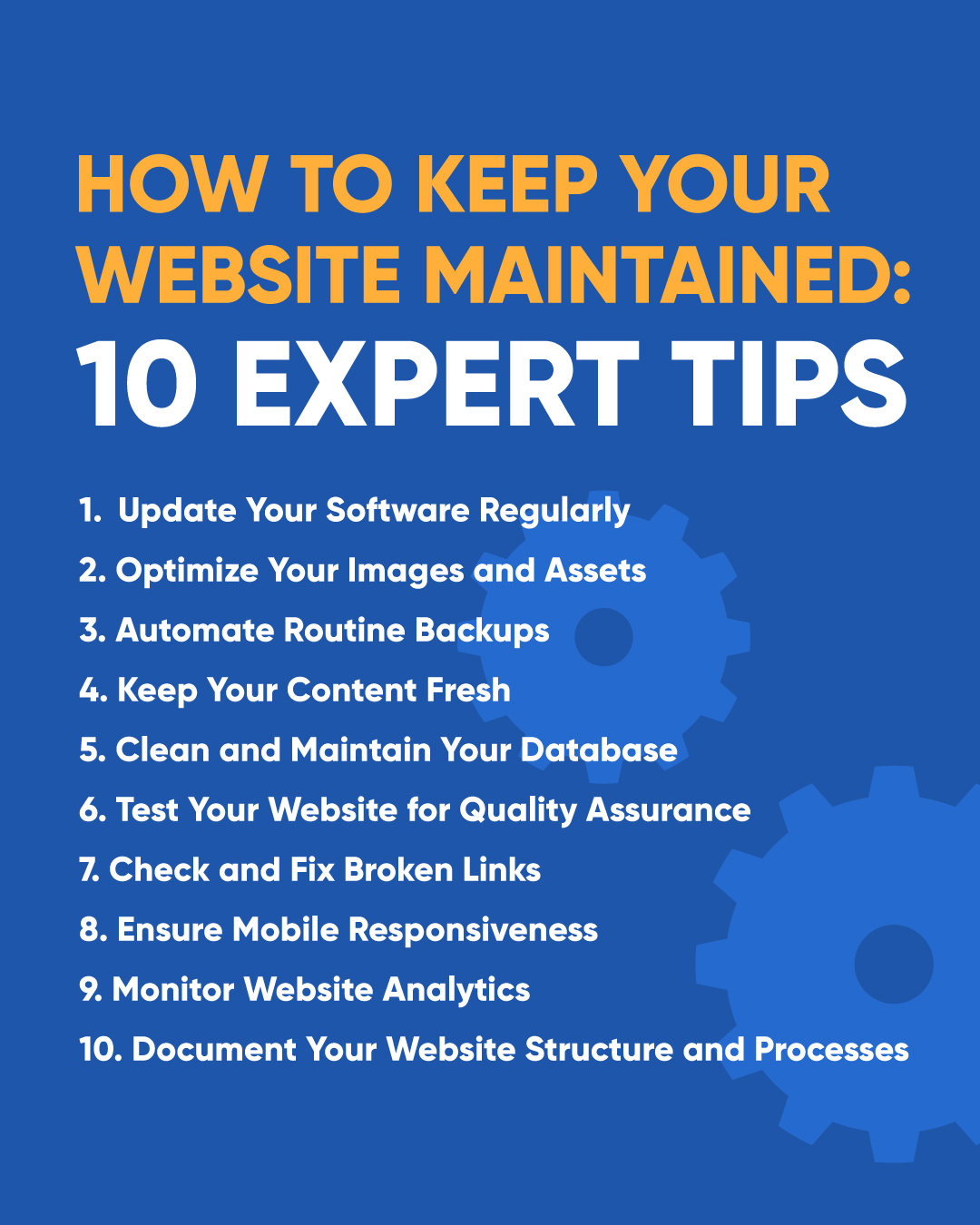
Not sure where to start? Below, we’re sharing 10 expert website maintenance tips from our team to keep your site running smoothly!
Website maintenance is the ongoing process of keeping your site secure, functional, and up-to-date. Without regular upkeep, your site can slow down, become vulnerable to hackers, and even lose search rankings.
Think of it like changing the oil in your car—skip it too long, and things start breaking down. Keeping your website in top shape isn’t just about aesthetics—it’s about security, speed, and functionality. Here are our top tips for keeping your website running at its best:
Outdated software is a common entry point for hackers and can cause compatibility issues. Keep your CMS, libraries, and plugins updated to minimize security risks and optimize performance. Regular updates also ensure that your website benefits from the latest features, bug fixes, and performance improvements.
A faster website improves user experience and SEO rankings (how quickly you show up on Google!). Use tools to compress images, leverage lazy loading, and implement a content delivery network (CDN) to further enhance performance.
Regular backups provide peace of mind in case of accidental changes or cyber threats. Set up automated backups so you can quickly restore your site if something goes wrong. You should also store backups in multiple locations, including cloud-based storage, to ensure you always have a recovery option available.
Fresh content keeps your audience engaged and helps improve search rankings. Regularly update blog posts, service pages, and images to show users and search engines that your site is actively maintained and relevant. Consider maintaining a content calendar to plan consistent updates and keep your website dynamic.
“Regularly updating your content signals that your business is active, trustworthy, and aligned with what users are searching for right now. In many cases, refreshing existing high-performing pages can drive more impact than creating something new.” –Anna Parker, Director of SEO / SEM
An overloaded database can slow down your website and lead to performance issues. Periodically remove old data, spam, and unnecessary revisions to enhance backend performance and ensure data integrity. Optimize database tables, remove unused plugins, and schedule routine cleanups to keep everything running smoothly.
“A well-maintained database and clean code are the foundation of every high-performing client website.” –Julie Pinches, Director of Web Services
Regularly check forms, interactive elements, and e-commerce features to catch issues before your visitors do. Conduct usability testing, monitor website speed, and ensure that third-party integrations are functioning correctly.
Run regular audits to identify and fix broken or outdated links to ensure a smooth user journey and boost SEO performance. Broken links can frustrate users and harm your search rankings, so use online tools to scan for dead links and replace or redirect them as needed.
Test your website on various devices to confirm it looks and functions well across all screen sizes. Ensure that buttons, navigation, and media are fully responsive, and use Lighthouse’s Mobile-Friendly Test to identify areas for improvement.
Key metrics like bounce rate, session duration, and conversion rates can help refine your website strategy. Regularly review website analytics to understand visitor behavior and identify areas for improvement. Use heatmaps and A/B testing to analyze how users interact with your site–and make data-driven updates accordingly.
Good documentation streamlines troubleshooting and simplifies future updates or redesigns. Maintain clear documentation of your website’s structure, custom code, and integrations. This is especially helpful when working with developers or making significant changes to your site.
“In the event something goes awry, I’m always very thankful for well documented code that indicates the original purpose of that section! It takes time away from understanding and puts it towards fixing, which can get your site back up and running as fast as possible.” – Emily Butler, Web Developer
Managing website maintenance can be overwhelming, but you don’t have to do it alone! Threshold Media offers professional website hosting and maintenance services to ensure your site remains secure, up-to-date, and high-performing. Contact us today to learn how we can help keep your website in top shape!
Share this post
Posted in:
Websites
Knock knock!
See what's behind the door to your brand's future.